
Isolate App
A premium productivity application designed to help you reclaim your time and focus by blocking distracting applications at the network level.
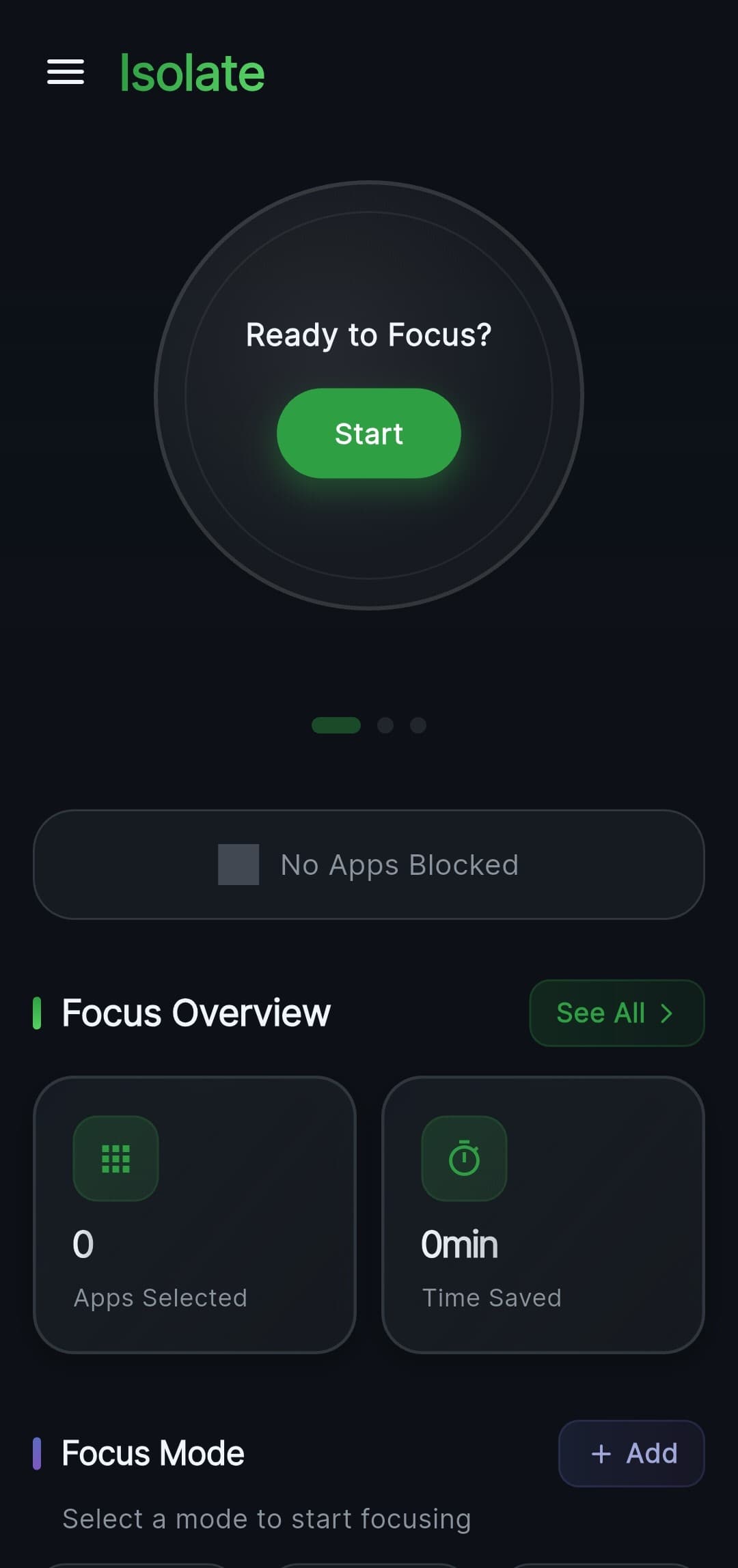
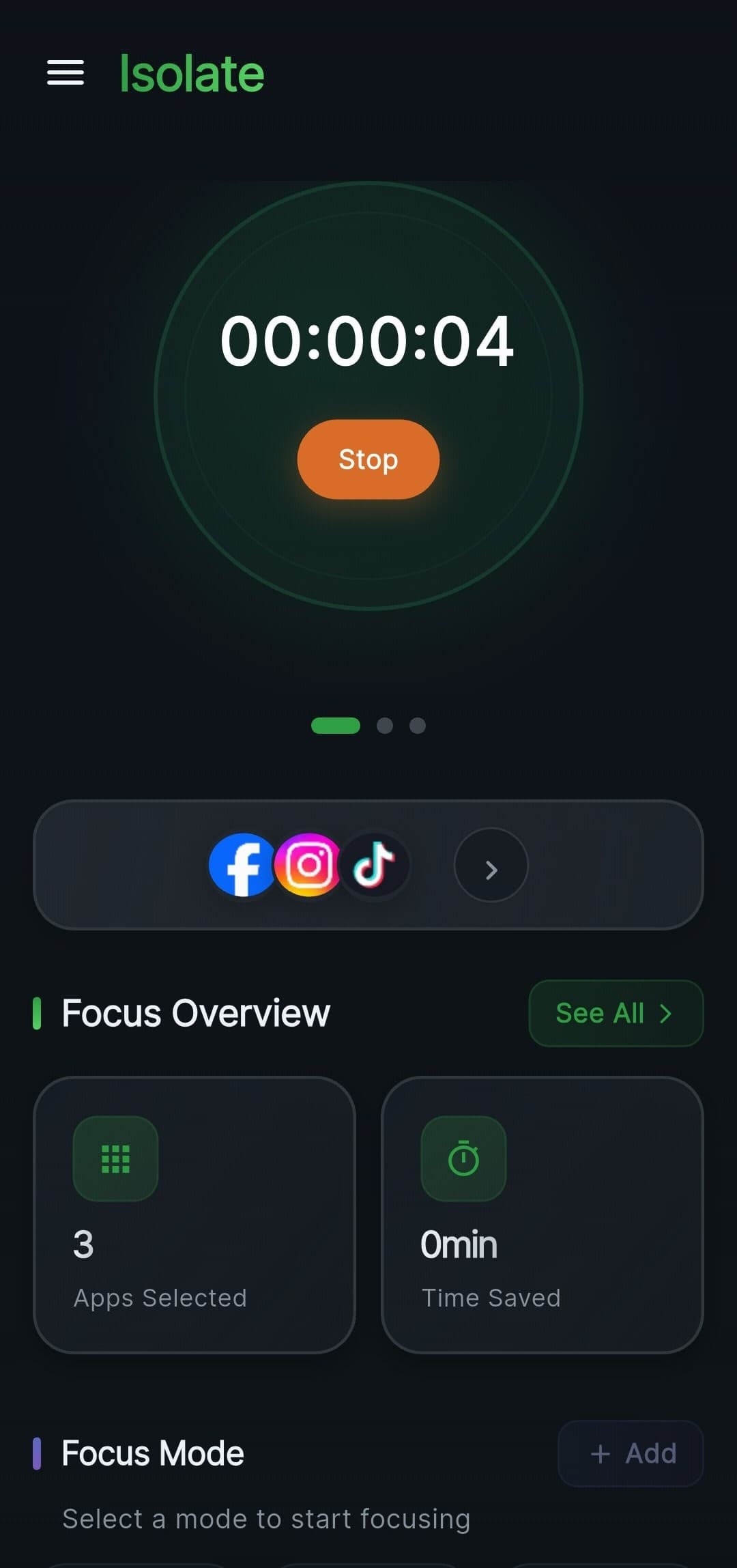
Smart Focus Modes
Choose from predefined modes tailored to your specific needs, or create your own. Block social media during work, minimize distractions while studying, or ensure a peaceful notification-free sleep.
Automated Schedules
Set it and forget it. Configure daily or weekly schedules to automatically enter focus modes during your most productive hours.
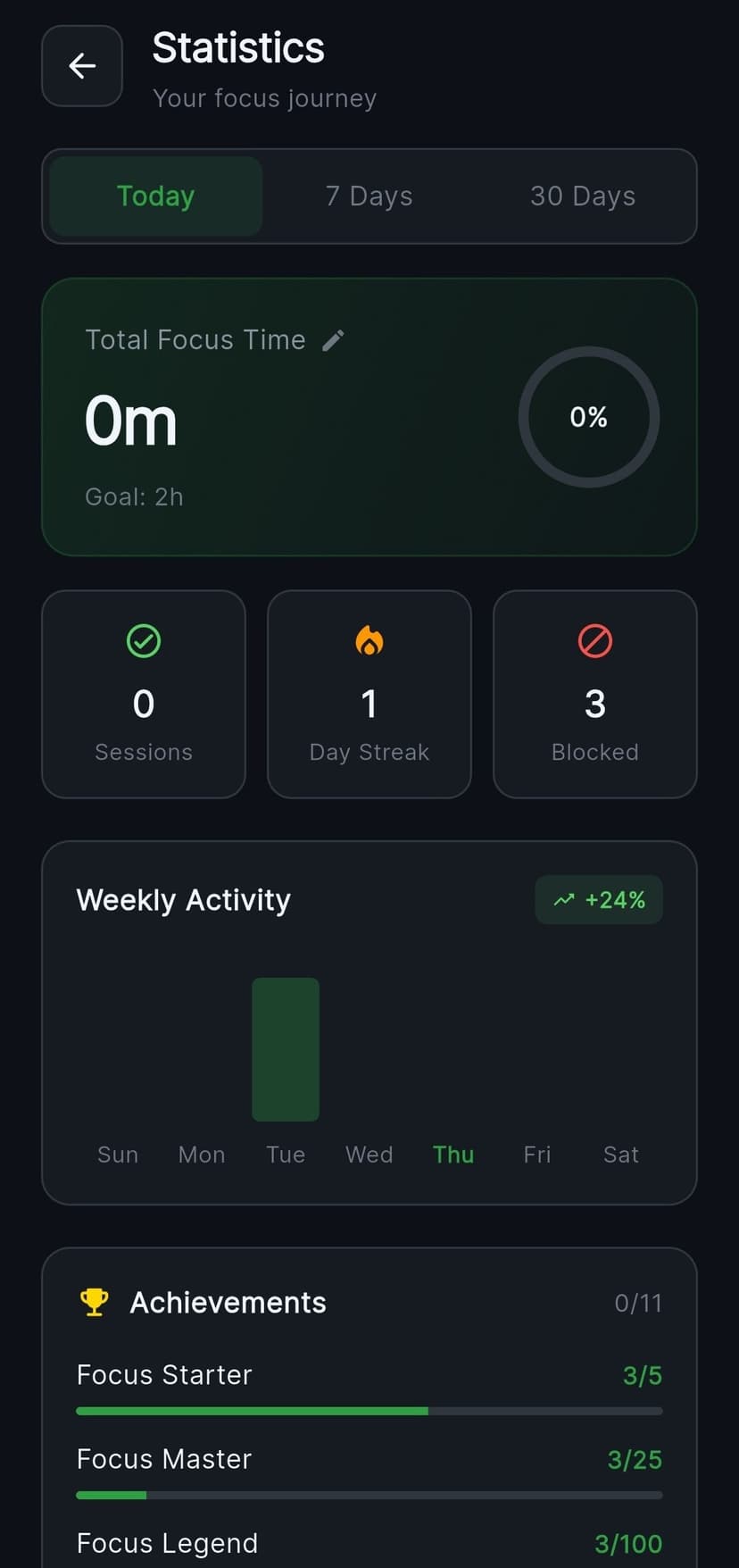
Insightful Statistics
Track your progress with detailed analytics. See perfectly which apps tried to distract you, and visualize your success rate over time.
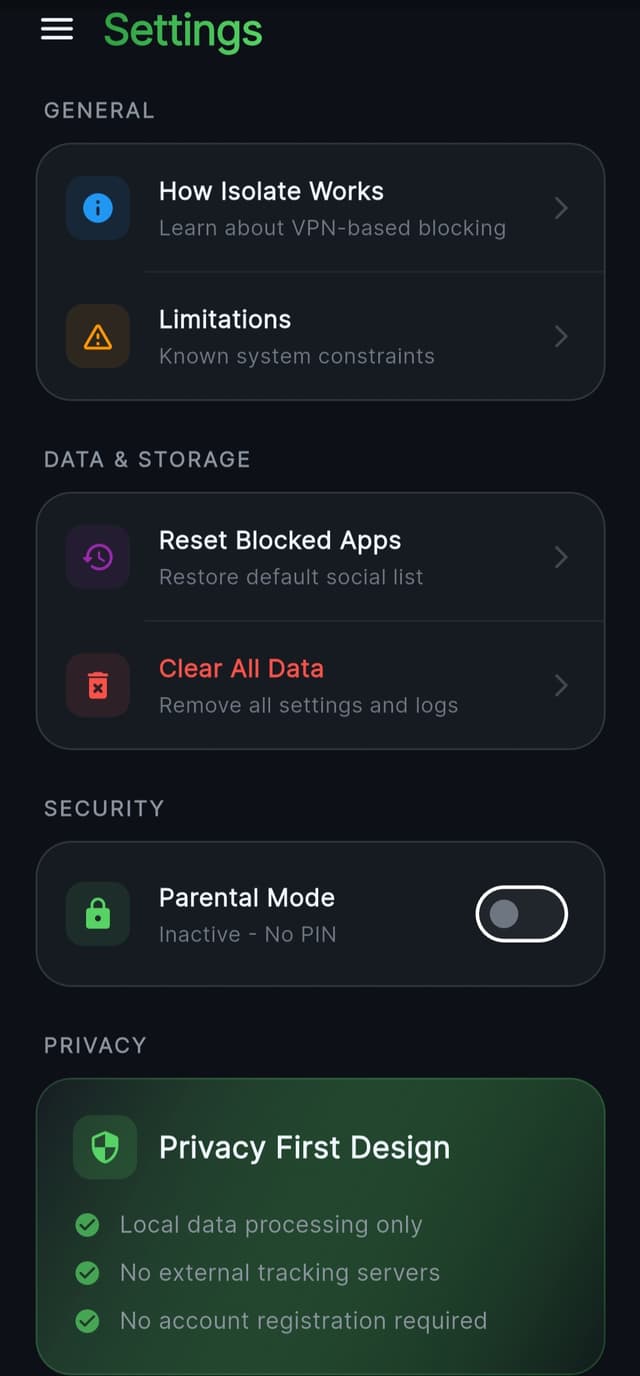
Parental & Privacy Controls
Secure your settings and session controls with a 4-digit PIN. Lock the app during active sessions (Stealth Mode) to prevent impulsive changes.
Premium Design & UX
Isolate focuses on a Premium Dark Aesthetic. We believe that productivity tools should be as beautiful as they are functional. Our design system utilizes vibrant accent colors, immersive backgrounds, hero transitions, and optimistic UI updates.
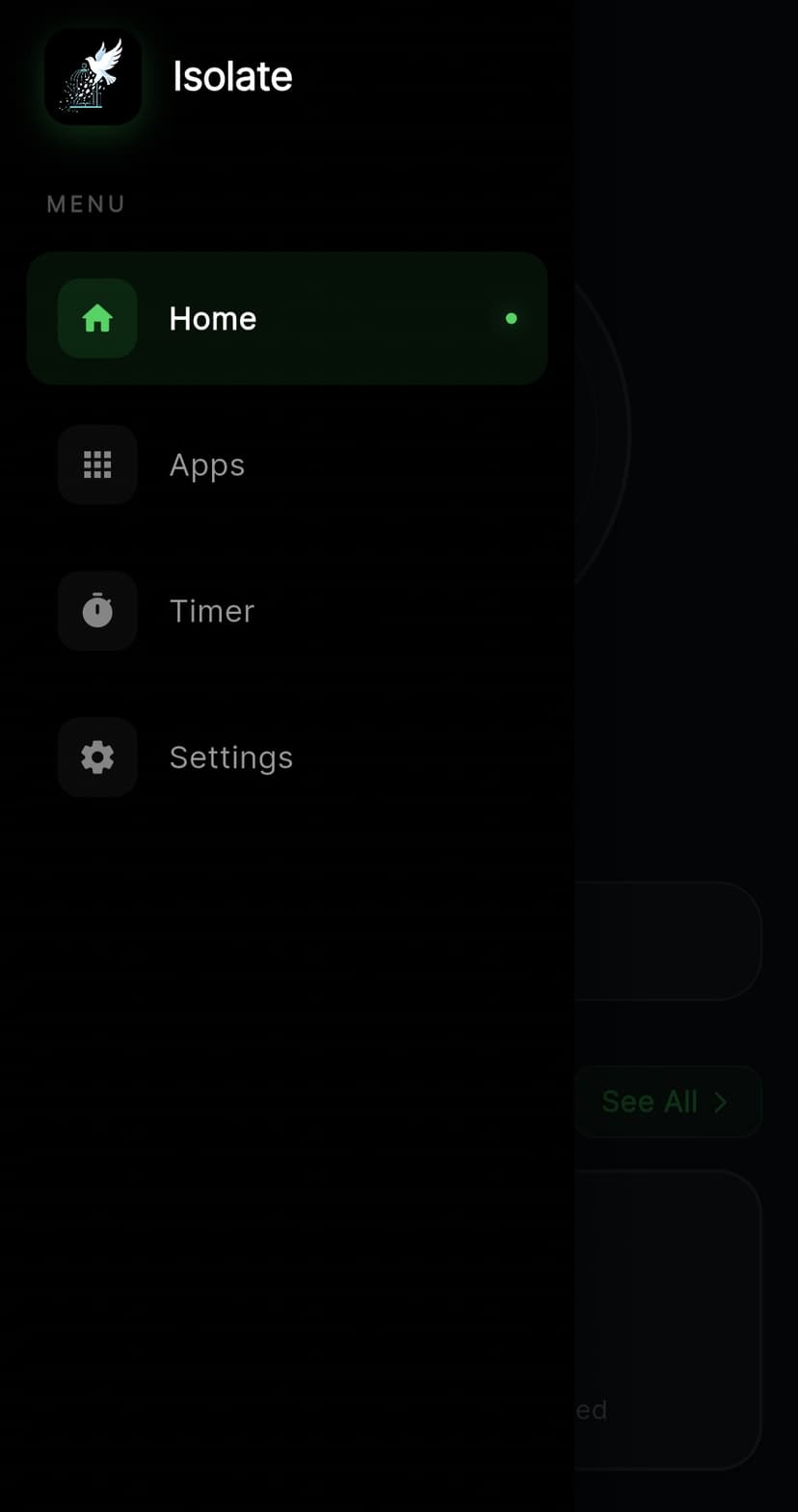
Glassmorphism UI
A stunning, modern interface with frosted glass effects and smooth transitions.
Dark Mode Optimized
Designed primarily for a sleek, eye-straining-free night experience.
How It Works
Isolate leverages the Android VpnService API to create a local VPN tunnel. This allows the app to intercept outgoing network requests, identify the source application, and drop packets for blocked apps while allowing all other traffic to pass seamlessly.
Maximum Privacy
No data leaves your device. All traffic filtering happens entirely locally, ensuring your personal Internet usage remains strictly confidential.
Tech Stack
Privacy Policy
Last Updated: February 2026
This Privacy Policy outlines how the Isolate application ("we", "our", or "the App") handles information when you use our services. We are committed to protecting your privacy and ensuring the security of your device.
1. Local VPN Service
Isolate operates primarily by establishing a local VPN tunnel on your Android device using the native VpnService API. This is the core functionality that permits the App to block network access to heavily distracting applications.
Crucially: The VPN tunnel is completely localized. We do not route your internet traffic through external servers, nor do we inspect the contents of your packets. The App solely checks the package name originating the request to determine if it should be dropped according to your personal "Blocked List".
2. Data Collection & Storage
Isolate is designed from the ground up to be privacy-first.
- No Data Exfiltration: Absolutely no browsing data, network traffic, or app usage statistics leave your device.
- Local Storage: All settings, schedules, statistics (such as blocked attempts), and PIN configurations are stored locally on your device using encrypted DataStore and Shared Preferences.
- Analytics: We do not use third-party analytics trackers (like Google Analytics or Firebase Crashlytics) within the core blocking service.
3. Permissions Requested
To function correctly, Isolate requires the following permissions:
- VPN Service Profile: To create the local tunnel necessary for blocking apps.
- Query All Packages: To display a list of installed applications so you can select which ones to block.
- Post Notifications: To inform you when a focus session begins or ends.
- Foreground Service: To ensure the blocker remains active and is not killed by the Android OS while you are working.
4. Children's Privacy
While Isolate includes built-in PIN protection making it suitable for parental control scenarios, the App itself does not collect personal information from individuals under the age of 13. All operation remains confined to the device.
5. Changes to This Policy
We may update our Privacy Policy from time to time. We will notify you of any structural changes by posting the new Privacy Policy within the App release notes. You are advised to review this Privacy Policy periodically for any changes.
6. Contact Us
If you have any questions or suggestions regarding our Privacy Policy, do not hesitate to contact us at thealab.contact@proton.me.
